
Lock a reception iPad to Clovo with Guided Access

Tobias Gundry
Updated
Guided Access is Apple's built-in way to restrict an iPad to a single app — a kiosk mode that Apple builds into iPadOS itself. Turn it on at reception and the device stays locked to Clovo, so clients can check themselves in without reaching Settings, the Home Screen or any other app.
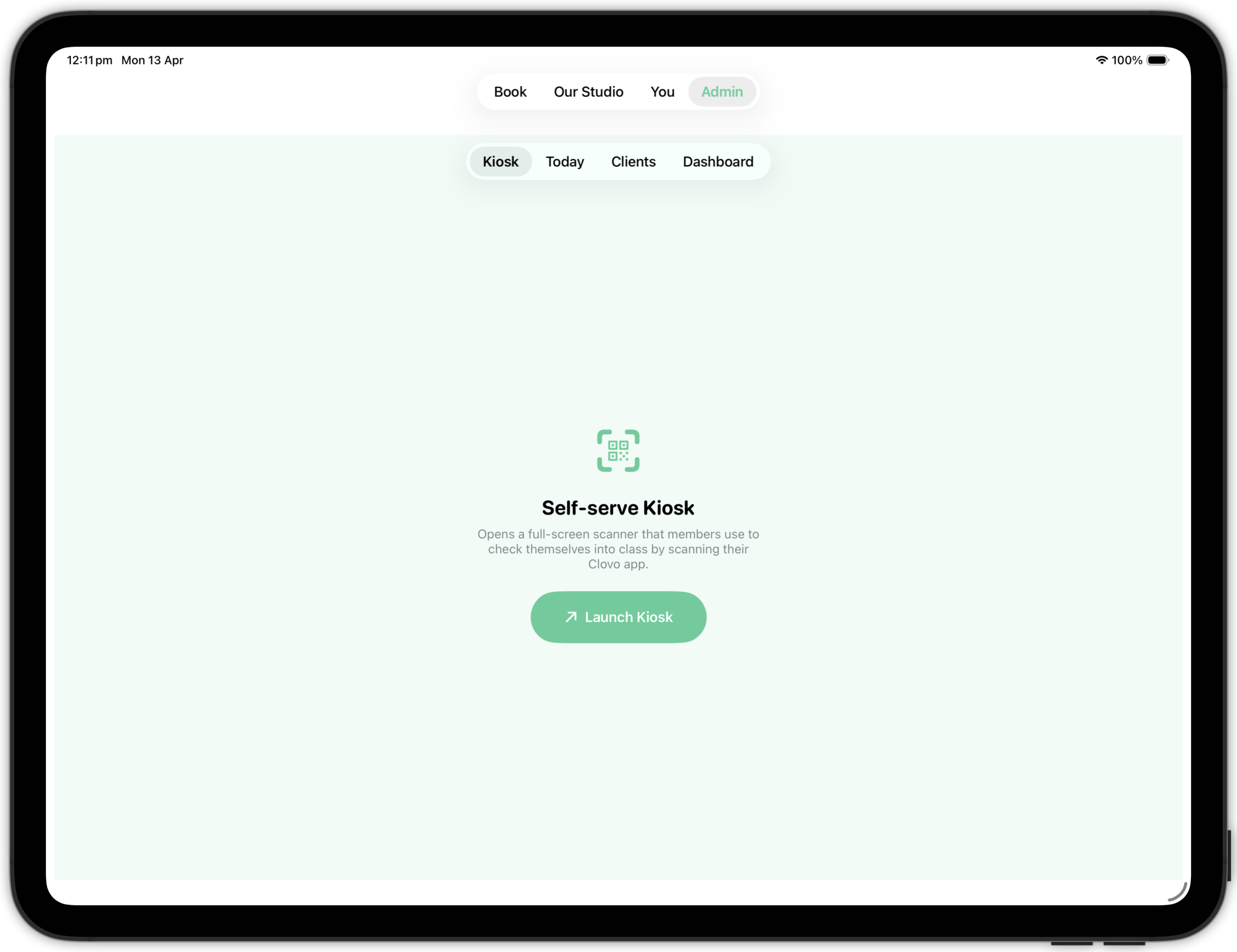
It pairs with Self-serve Kiosk rather than replacing it. Self-serve Kiosk locks Clovo to the check-in screen; Guided Access locks the iPad to Clovo.
Apple documents Guided Access in full: Lock iPad to one app with Guided Access in the iPad User Guide, and Use Guided Access on iPhone or iPad for the iPhone steps.
Set up Guided Access
Do this once on the reception iPad.
- Open Settings.
- Tap Accessibility.
- Tap Guided Access, then turn on Guided Access and configure these settings:
- Passcode Settings: set a Guided Access passcode, and choose whether Face ID or Touch ID can also end a session. Use a passcode only your staff know — anyone with it can unlock the iPad.
- Time Limits: choose whether a sound plays and the remaining time is spoken before a time-limited session ends. Leave this off for a reception iPad, which should stay locked all day.
- Accessibility Shortcut: choose whether the Accessibility Shortcuts panel appears when you triple-click the top button.
- Display Auto-Lock: set how quickly the iPad locks when nobody is using it. Set this to a long interval, or Never, so the check-in screen stays visible between clients.
Start a Guided Access session
-
Open Clovo, go to Admin, then tap Self-serve Kiosk and tap Launch Kiosk.
-
Triple-click the top button. On an older iPad with a Home button, triple-click the Home button instead.
-
If the Accessibility Shortcuts panel appears, tap Guided Access.
-
Tap Start.
The iPad is now locked to Clovo. Test one check-in before you leave reception unattended, and confirm the kiosk is showing the right studio location.
End a Guided Access session
- Triple-click the top button, or the Home button on an older iPad.
- Authenticate with your Guided Access passcode, Face ID or Touch ID.
- Tap End.
Good to know
Crash Detection and emergency calls are unavailable while Guided Access is running. End the session before using either.