
Extend the expiry of a purchased credit pack

Tobias Gundry
Updated
When credit packs are purchased by a client they have an expiry date that starts from the moment of purchase. For example, if you have a credit pack with a 30-day expiry and a client purchases it on the 1st of January, it will expire on the 31st of January.
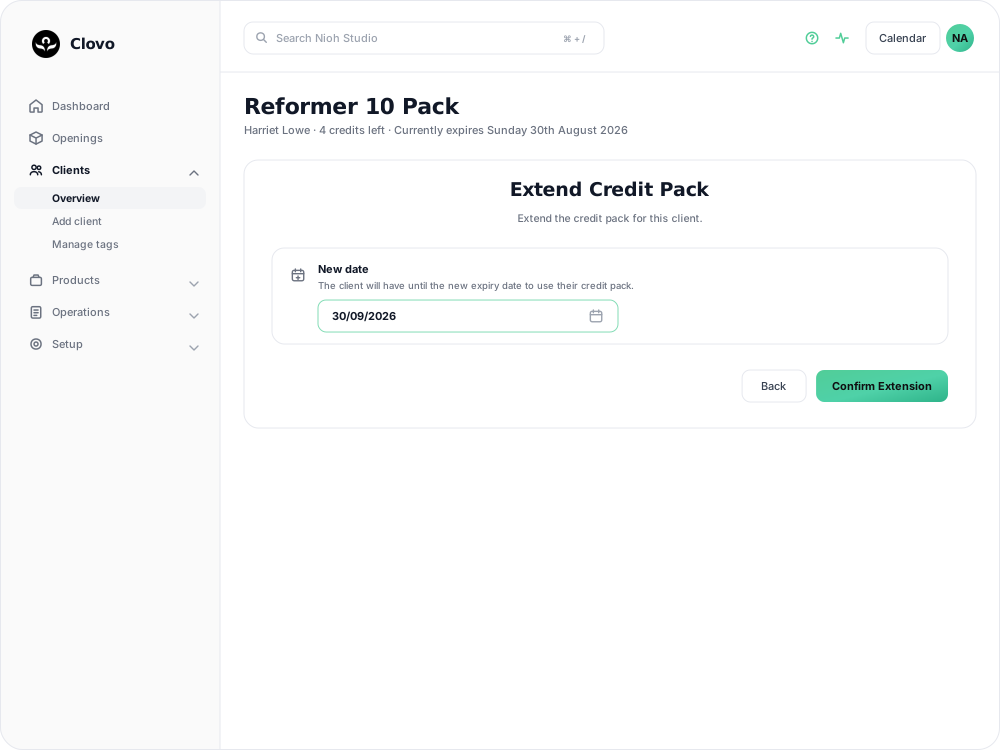
Why extend a credit pack?
There are plenty of good reasons to extend a client’s credit pack — perhaps they were injured, travelling, or dealing with personal circumstances that prevented them from using their credits. Extending a pack is a gesture of goodwill that can go a long way in retaining a client.
How to extend a credit pack
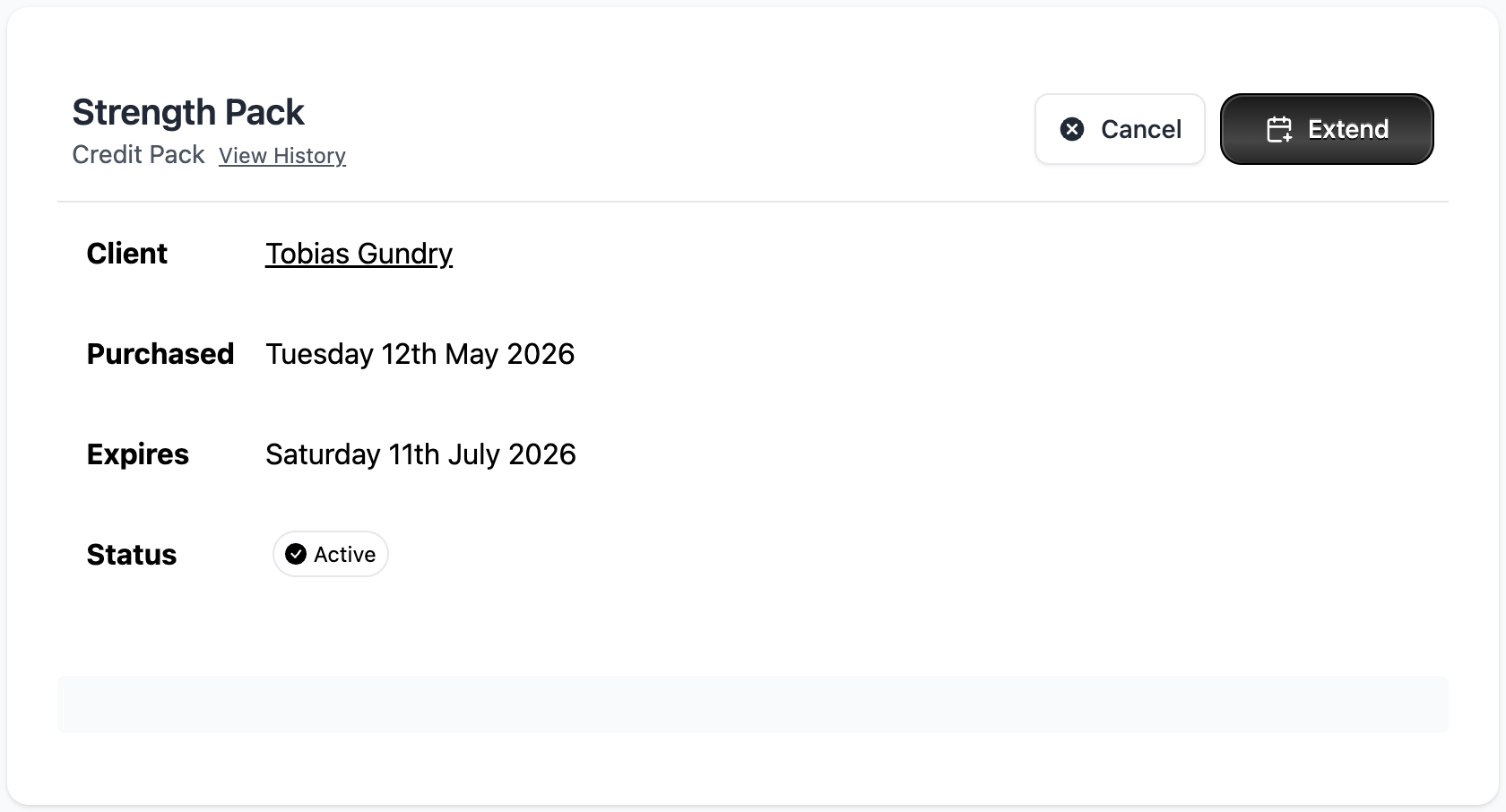
- In Clovo Dashboard, navigate to the client’s profile.
- Find and open the credit pack under Purchases.
- Select Extend.
- Set New date to the new expiry date.
- Select Confirm Extension.
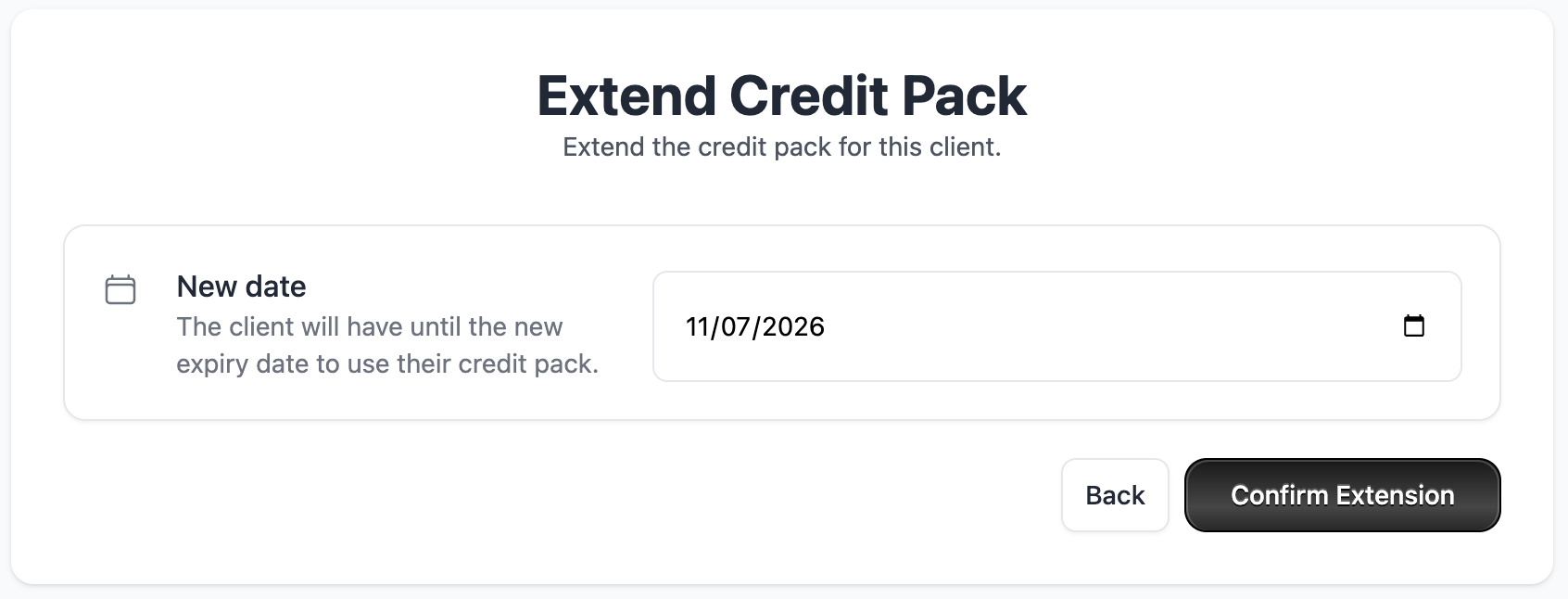
The remaining credits are available through the end of the selected day in your studio’s timezone. Choose a date whose end is still in the future; there is no maximum extension length.
Things to keep in mind
- Extending a pack does not add additional credits — it only changes the expiry date
- You can extend a pack that has already expired, which will reactivate the remaining credits
- Consider setting a studio policy on extensions so your team handles them consistently
Related articles
Prevent repeat intro purchases with Blocked Purchasers
Block a client from buying a credit pack, including clients who bought your intro offer on another platform before moving to Clovo.
Track the usage of memberships and packs
Read the usage panel on a client’s membership or credit pack, see what each credit was spent on, and correct a balance when it needs fixing.
Credit packs in Clovo
Credit packs let clients book into classes with your studio without committing to a recurring subscription.
Give your clients free credits to book any of your classes, with Super Credits
Give clients free classes with Super Credits. Use them for rewards, make-goods, or other studio-approved credits.