
How to offer secret deals on your plans and packs

Tobias Gundry
Updated
A secret deal is a membership plan or credit pack that only the clients you choose can see. It is left out of the plan and pack lists on your studio's web page and in the client apps until you grant someone access from their profile.
It takes two steps: mark the plan or pack as a secret deal, then give named clients access to it.
Mark a plan or pack as a secret deal
- Go to Products → Plans and select Add Plan, or Products → Packs and select Add pack. To turn something you already sell into a secret deal, open that plan or pack instead.
- Fill in the name, price and other details as you would for any plan.
- Turn on Secret deal.
- Select Create, or Update if you are editing an existing plan.

The switch appears on plans and packs only. A trial cannot be made a secret deal.
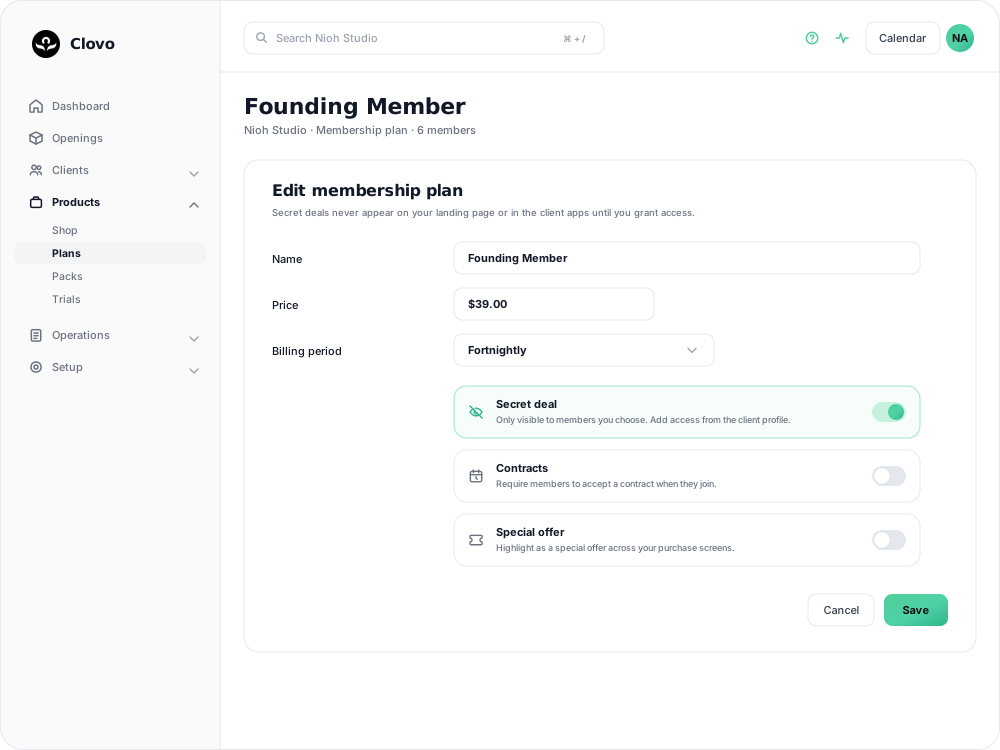
Give a client access
- Open the client's profile from Clients.
- Find the Secret deals panel and select Add.
- On the Give access to a secret deal screen, tick each deal this client should be able to buy.
- Select Update.
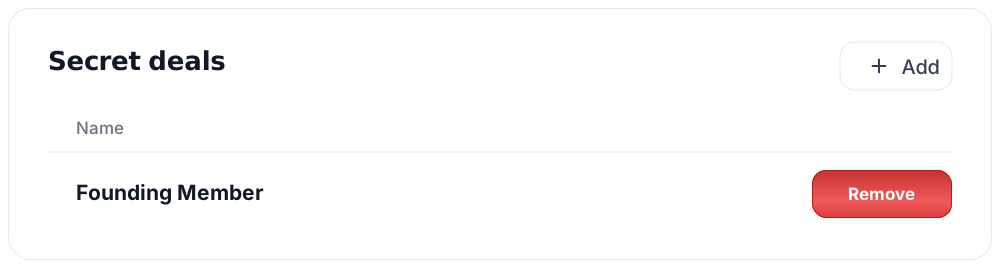
Everything you have marked as a secret deal is listed on that screen. If nothing is listed, no plan or pack has the switch turned on yet.
A deal that has been deactivated, or that is past its hard expiry date, appears with the reason beside its name and cannot be ticked, because nobody can buy it in that state.
Granting access notifies the client straight away. They receive a push notification and an email titled "A secret deal for you", telling them the plan will now be visible on their account screen.
What the client sees
The deal appears in a Secret deals section under the You tab in the Clovo app, alongside a line explaining that they have been given special access. They buy it the same way as any other plan or pack. Clients signed in on your studio's web page see the same section there.
Until they buy, the client's row on the Clients list carries a padlocked chip with the deal's name, so you can see who has been offered what without opening each profile. The chip disappears once the purchase goes through.
Remove access
In the Secret deals panel on the client's profile, select Remove on the row and confirm. The deal stops appearing on their account screen and they can no longer buy it. Anything they have already purchased is unaffected.
Removing access does not notify the client. Let them know separately if they were expecting to use the offer.
Reaching more than a handful of people
Granting access one profile at a time suits a short list of named clients. When the offer is going on a flyer, in a newsletter or to a partner's members, share the secret deal with a promo code instead, so clients unlock it themselves.
Related articles
Track the usage of memberships and packs
Read the usage panel on a client’s membership or credit pack, see what each credit was spent on, and correct a balance when it needs fixing.
Deactivate a pack or membership plan
Remove a credit pack or membership plan from future sales while letting clients who already have it keep using it.
Share a secret deal with a promo code
Create a code that unlocks a private plan or pack, so clients can claim the offer themselves instead of you granting access one person at a time.
Prevent repeat intro purchases with Blocked Purchasers
Block a client from buying a credit pack, including clients who bought your intro offer on another platform before moving to Clovo.