
See whether new members are sticking around with the Cohort Retention report

Tobias Gundry
Updated
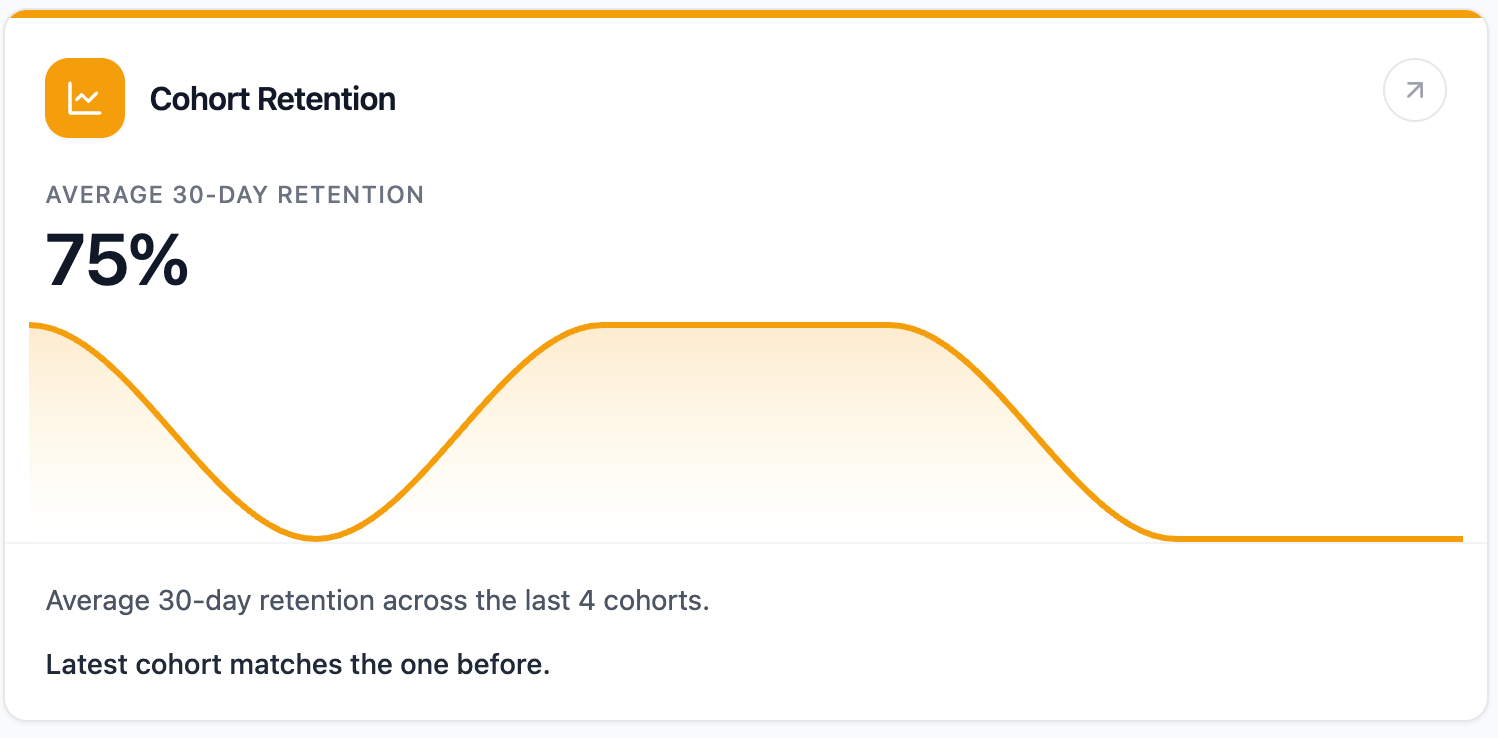
The Cohort Retention report shows whether recent groups of new recurring members are staying active after joining.
Where To Find It
Open Reporting, then select Cohort Retention.
Why This Report Matters
Cohort retention helps you understand the quality of early member experience. Instead of looking at all members together, it groups new recurring members by the month they joined and checks how each group holds on over time.
This is useful when you want to know whether newer members are settling in, whether onboarding changes are working, or whether retention has shifted between recent months.
How To Read It
- Average 30-day retention shows the average 30-day retention across cohorts old enough to measure.
- Average 60-day retention and Average 90-day retention show longer-term retention where enough time has passed.
- Latest vs prior cohort compares the latest measurable cohort with the one before it.
- Cohort matrix shows each monthly cohort, how many members joined, and the 30, 60, and 90-day retention checkpoints.
Some cells may show a blank value if the cohort is not old enough to measure yet.
What The Number Means
Higher retention means more new recurring members are staying active after joining. Lower retention suggests members may be dropping away early, which can point to onboarding, schedule fit, pricing, engagement, or expectation-setting issues.
The 30-day checkpoint is useful for early warning. The 60 and 90-day checkpoints show whether members continue to hold after the first few weeks.
How Clovo Calculates It
Clovo groups recurring, non-trial memberships by the month they were created, then checks whether each membership was still active 30, 60, and 90 days after the cohort start.
The report looks across the most recent six monthly cohorts. Cohorts that are too new to reach a checkpoint are left unmeasured for that checkpoint.
Related articles
Find where booked places are being lost with the Cancellations & No-Shows report
Read the Cancellations & No-Shows report: what its 30-day window really covers, why the 24-hour late-cancel split is not your penalty policy, and what the Leakiest classes list leaves out.
Spot members leaving before it shows in your revenue with the Churn Rate report
The Churn Rate report measures the recurring memberships cancelled in the past 30 days against the member base you started that window with, counted from the day each member asked to leave.
Answer questions about your clients with Client Insights
Explore attendance, memberships and spending to answer questions about your clients, then save or export the results.
Work out what a client is worth over their whole time with you
The Customer Lifetime Value report shows the average amount a paying customer has spent across their whole relationship with your studio.