
Know what your memberships bring in each month with the Recurring Revenue report

Tobias Gundry
Updated
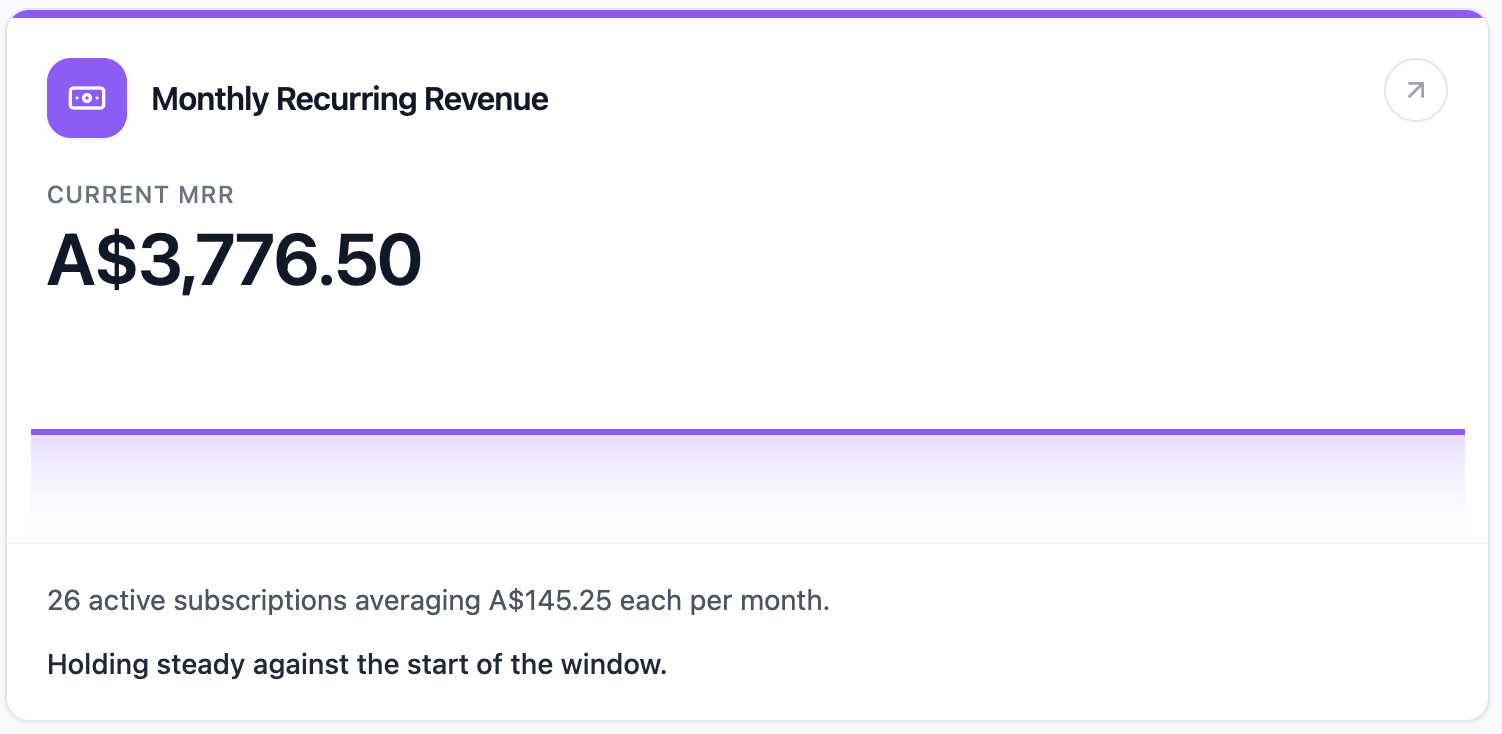
The Monthly Recurring Revenue report estimates the current monthly value of your active recurring subscriptions.
Where To Find It
Open Reporting, then select Monthly Recurring Revenue.
Why This Report Matters
Monthly recurring revenue, often called MRR, shows the strength of your recurring base. It helps you understand how much predictable subscription revenue is currently attached to active memberships.
This report is useful when you are reviewing membership growth, pricing, cancellations, and the stability of your revenue base.
How To Read It
- Current MRR is the estimated monthly value of active recurring subscriptions at the end of the window.
- Active subscriptions shows how many subscriptions are included.
- Average per subscription shows the average monthly value per active subscription.
- New MRR added shows monthly value added by new recurring subscriptions during the window.
- MRR lost shows monthly value lost from recurring subscriptions cancelled during the window.
- Start of window and End of window show how the recurring base shifted over the 30 days.
What The Number Means
Rising MRR usually means your recurring base is growing. Falling MRR usually means lost subscription value is outweighing new subscription value.
MRR is a recurring revenue estimate, not a cash-collected report. For cash received, use payment and spend reports. For the reason MRR changed, compare this report with Churn Rate, New Customer Acquisition, and Member/Casual Ratio.
How Clovo Calculates It
Clovo includes active recurring, non-trial memberships and normalises each plan price into a monthly value.
Weekly plans are multiplied by 52 and divided by 12. Fortnightly plans are multiplied by 26 and divided by 12. Monthly plans use the plan price directly. Quarterly, semi-annual, and annual plans are divided into monthly values.
The report compares current MRR with the start of the 30-day window.
Related articles
Find where booked places are being lost with the Cancellations & No-Shows report
Read the Cancellations & No-Shows report: what its 30-day window really covers, why the 24-hour late-cancel split is not your penalty policy, and what the Leakiest classes list leaves out.
Spot members leaving before it shows in your revenue with the Churn Rate report
The Churn Rate report measures the recurring memberships cancelled in the past 30 days against the member base you started that window with, counted from the day each member asked to leave.
Answer questions about your clients with Client Insights
Explore attendance, memberships and spending to answer questions about your clients, then save or export the results.
Work out what a client is worth over their whole time with you
The Customer Lifetime Value report shows the average amount a paying customer has spent across their whole relationship with your studio.