
Track how many new clients joined this month with the New Customer report

Tobias Gundry
Updated
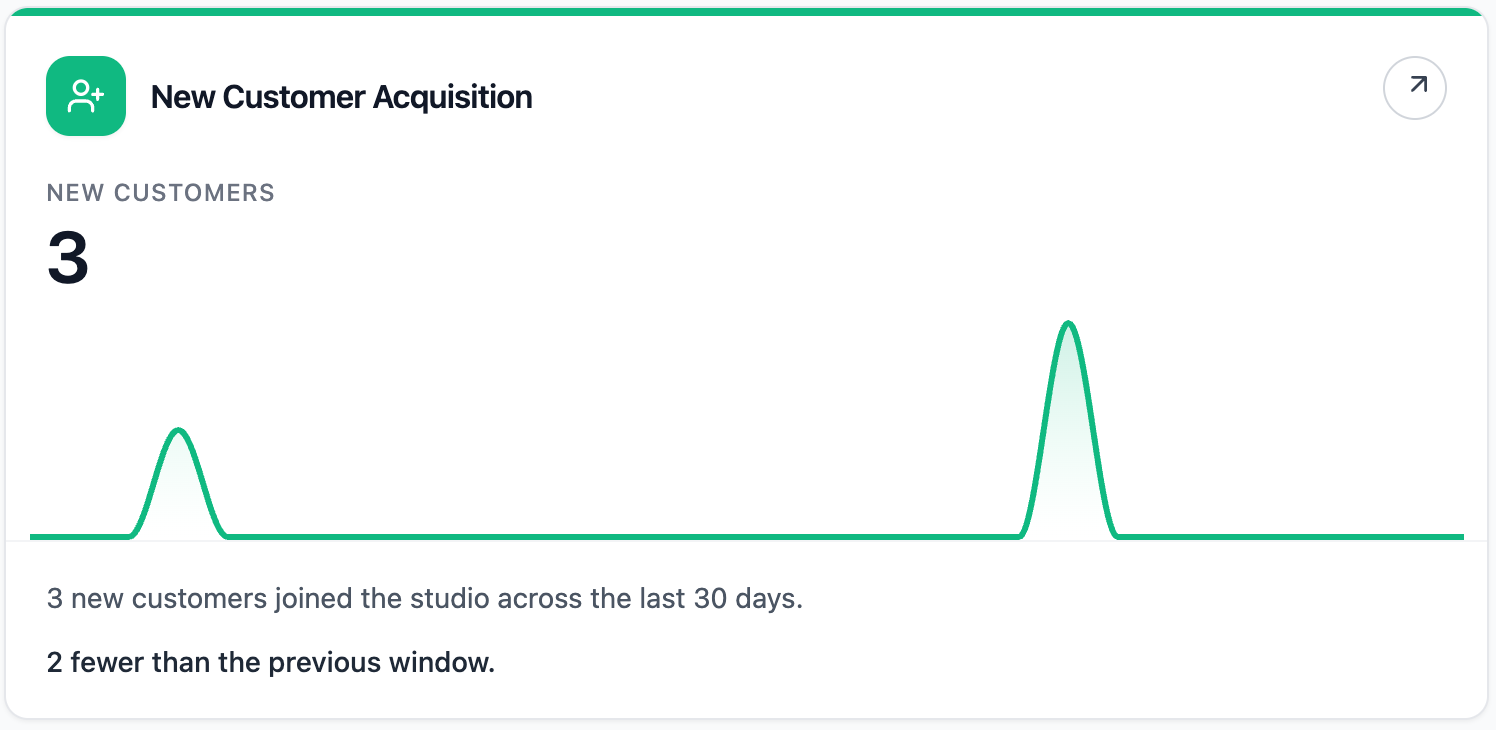
The New Customer Acquisition report shows how many new customers joined your studio during the past 30 days.
Where To Find It
Open Reporting, then select New Customer Acquisition.
Why This Report Matters
Acquisition tells you whether the top of your customer funnel is moving. It helps you understand whether campaigns, referrals, events, intro offers, or local demand are bringing new people into the studio.
New customers are only one part of the story. The best signal is acquisition plus engagement and retention: are people joining, visiting, and staying?
How To Read It
- New customers shows how many customer accounts were created in the current 30-day window.
- Previous 30 days shows the comparison count from the prior window.
- Daily average shows the average number of new customers per day.
- Busiest sign-up day highlights the day with the strongest new-customer activity.
What The Number Means
An increase usually means your studio is attracting more new people. A decrease may reflect seasonality, quieter campaigns, local market conditions, or a need to review acquisition channels.
If acquisition is strong but visits or retention are soft, focus on the first experience, onboarding, and follow-up. If acquisition is low but retention is strong, your studio may benefit from more top-of-funnel activity.
How Clovo Calculates It
Clovo counts customer accounts created during the past 30 days and compares that with the previous 30 days.
Staff and deleted accounts are excluded.
Related articles
Find where booked places are being lost with the Cancellations & No-Shows report
Read the Cancellations & No-Shows report: what its 30-day window really covers, why the 24-hour late-cancel split is not your penalty policy, and what the Leakiest classes list leaves out.
Spot members leaving before it shows in your revenue with the Churn Rate report
The Churn Rate report measures the recurring memberships cancelled in the past 30 days against the member base you started that window with, counted from the day each member asked to leave.
Answer questions about your clients with Client Insights
Explore attendance, memberships and spending to answer questions about your clients, then save or export the results.
Work out what a client is worth over their whole time with you
The Customer Lifetime Value report shows the average amount a paying customer has spent across their whole relationship with your studio.