
What appointment notifications are sent?

Tobias Gundry
Updated
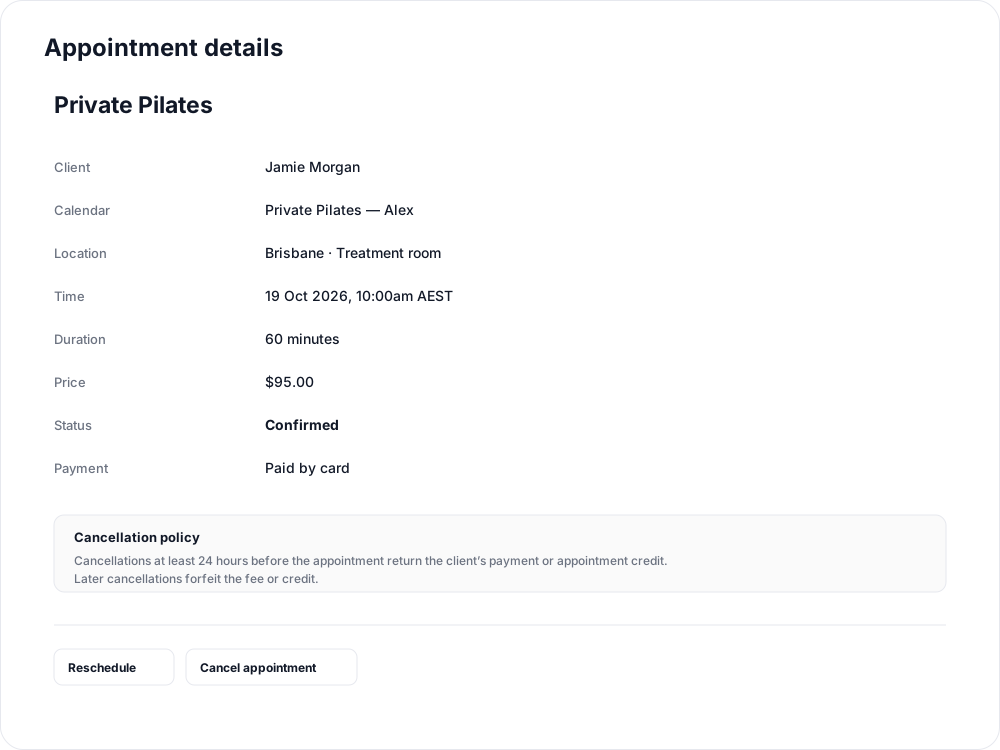
Appointment updates tell clients whether their booking is confirmed and give the responsible staff the information they need to act.
Booking updates for clients
Clients receive appointment updates by email, with app push where enabled. The message includes the appointment, length, date, time and location.
| Booking event | What the client is told |
|---|---|
| Request submitted | It is awaiting studio approval and is not yet confirmed. |
| Appointment confirmed | The appointment is booked. |
| Time changed | The previous and new times, together with the current approval status. |
| Request declined | The appointment is not booked; contact the studio to arrange another time. |
| Appointment cancelled | The booking has been cancelled. |
| Payment processing | Payment is still being checked; wait for confirmation before booking again. |
| Payment failed | The appointment could not be confirmed and the time has been released. |
A booking confirmation is separate from a reminder. Turning reminders off does not turn off booking updates.
Which staff receive updates?
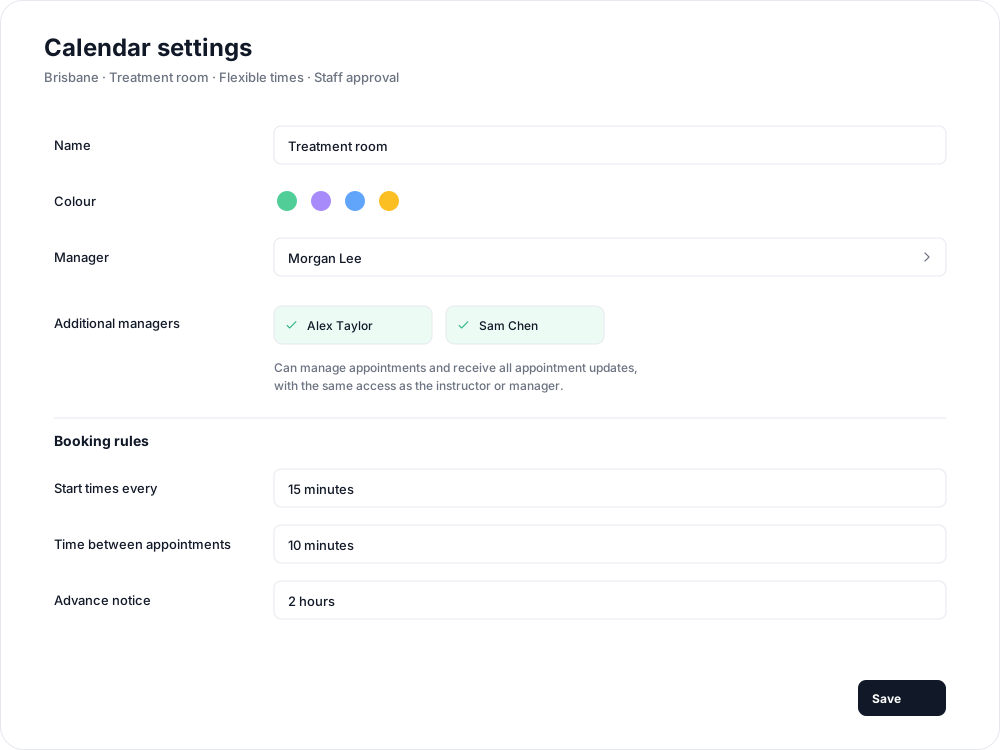
For a Person calendar, updates go to the instructor's linked staff account. For a Location calendar, they go to the assigned Manager. Both also notify the calendar's Additional managers.
These staff receive appointment updates regardless of their class-booking notification preferences. Other staff are not added to the recipient list by subscribing to class notifications. Assign additional managers when more people need to hear about a calendar.
Eligible pending requests include Approve appointment and Reject appointment buttons in the staff email. Each opens a page where the recipient confirms the action. Links expire after seven days or when the appointment starts, whichever comes first. If a request has changed or another staff member has decided it, open its current details to continue.
Optional preparation messages and forms
On the appointment type, enable After booking message to send instructions by email after confirmation. Enable After booking form to request a form the client completes in the app.
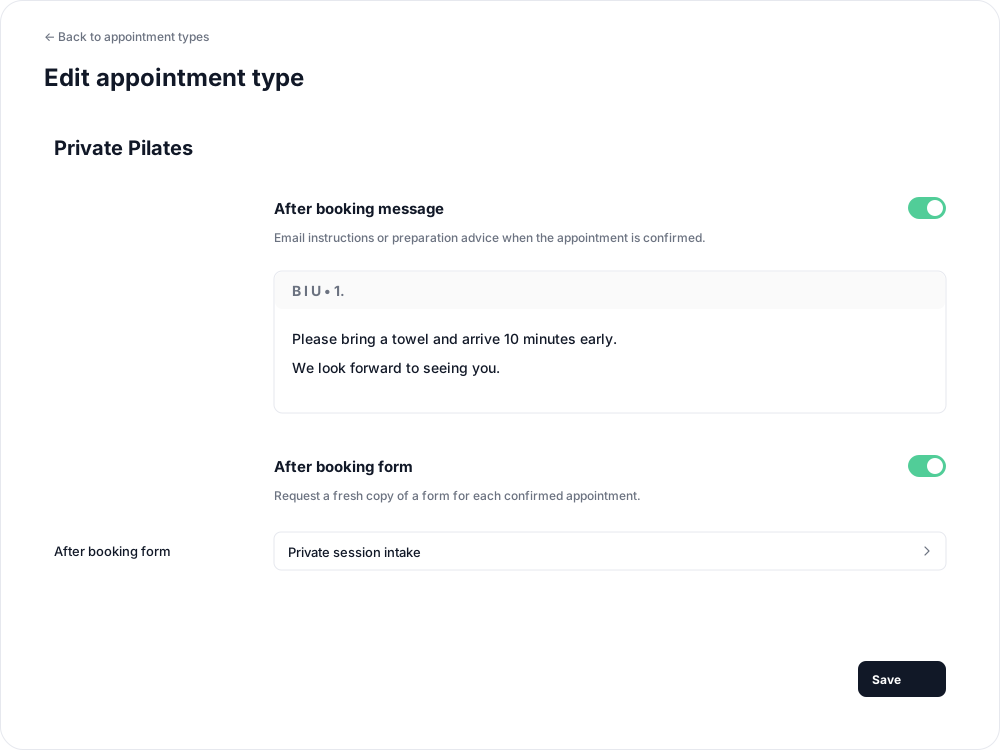
These are sent on the first successful confirmation, after approval and payment where required. They are not sent for a request still awaiting approval. A reschedule or later reapproval does not send them again; a separate booking requests a fresh form.
Optional reminders
Enable Appointment reminder on the appointment type to send a prompt before confirmed bookings. Delivery follows the client's email and app-push reminder preferences. Set up appointment reminders for timing and delivery details.
Related articles
Appointments in Clovo
Bring private sessions, room bookings and wellness appointments into Clovo, with flexible availability, staff approval and payments.
Book an appointment on behalf of a client
Choose a client, select an available appointment and take payment or submit it for staff approval.
Create an appointment calendar for a facility
Make an infrared sauna, massage chair or similar facility bookable through a room/location calendar.
Create an appointment calendar for a room or location
Let clients reserve a room or an entire location, and assign staff to manage its appointments.